Features
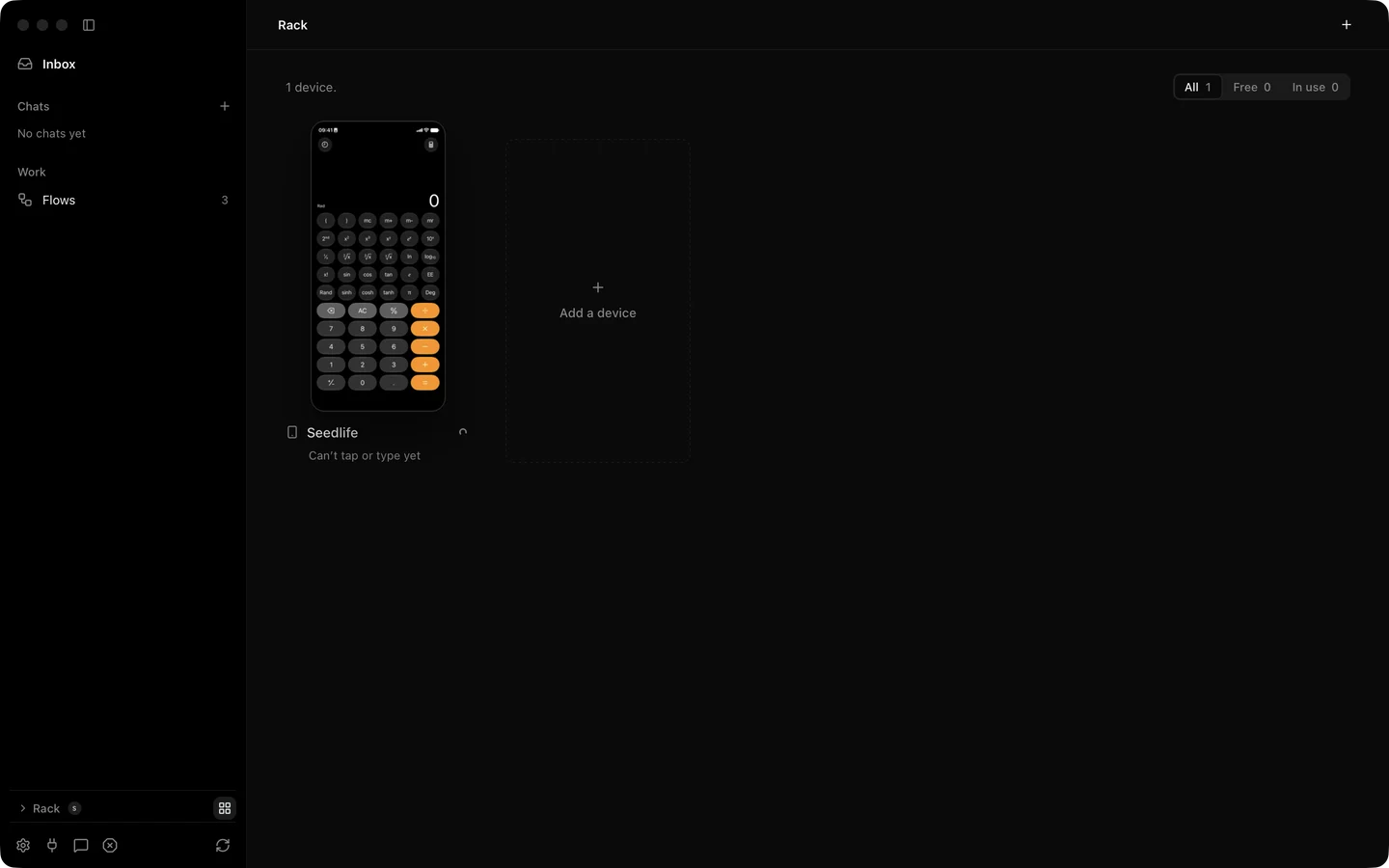
Silan is a device station for AI agents. It holds your phones, tablets, simulators and emulators, shows you what is on their screens, and lets an agent, a test or a person act on them. This section has one page per feature. Each page says what the feature does, how you use it from the app and then from an agent or the API, where it stops today, and what has been proved on a real device and when.
The status words on these pages mean the same thing everywhere: supported means the code is in the current release and someone proved it on a real device, a simulator, an emulator or in tests. In testing means it is in the release but has no proof on a real device yet, or is off by default. Coming soon means it is planned and not in the release.
The pages
Section titled “The pages”| Page | What it covers |
|---|---|
| Agent tasks | Give a phone a goal in plain words. Plans, step checks, questions, approvals, chats, groups of phones, replay. |
| Live view | The wall of devices, one device’s page, zoom, full screen and phone sound on the Mac. |
| Control a device by hand | Launch, tap, type, swipe, wait, the clipboard, taking over from the agent and Stop Everything. |
| Devices and drivers | The device list, health checks, simulators, removing a phone, the Simple and Developer ways, Android tools. |
| Flows and the flow editor | Saved sequences of steps, the editor, exact and agent steps, export and duplicate. |
| Test runs and reports | Live runs, reports with a picture per step, Run again from a step, queues, retention, JUnit and JSON. |
| Schedules | Run a flow every day, on weekdays, on some days or once, with a busy-phone rule. |
| Safety and approvals | The one safety switch in detail, the three answers, risky words, what never asks. |
| Vault and password managers | Passwords in the Mac keychain, 1Password and Bitwarden, one-time codes. |
| Connections | One-click Connect for Claude Code, Codex, Cursor and OpenCode, API keys, setup text for other apps. |
| API: REST, MCP and WebDriver | The three surfaces on this Mac, keys, approvals over the API, async jobs, recordings. |
| Team phones and the relay | Share a phone with teammates, the sealed link, your own relay, team sign-in. |
| Settings | General, Privacy & Data, Devices & Drivers, Providers, bug reports, uninstall, feedback, notifications. |
| Updates | Download when you click, restart when you are ready, what happens while an agent is at work. |
| Activity | One line per task, run, take-over and stop, exportable, kept 30 days. |
Where to start
Section titled “Where to start”If you have not installed Silan yet, the quickstart gets a phone on the wall in a few minutes. If you are wiring up your own agent, read use Silan from your agent first and come back here for the detail on each feature. The safety overview is short and worth reading before the first task that pays, sends, posts or deletes.