Integrations
WebDriver endpoint (Appium-style)
The engine serves a W3C WebDriver endpoint at /wd/hub in the Appium style, so a test client you already have can open a session on a device, find elements, act and take screenshots. Every command runs through the same engine, leases, safety rules and audit as REST and MCP. It is an Appium-style WebDriver endpoint, not a full Appium server. Status: supported. Proven on an iPhone 11 (iOS 27) on a cable: a session, a screenshot and the end of the session.
-
Check the endpoint.
GET http://127.0.0.1:47800/wd/hub/statusneeds no key and answers"ready": true. The real port is in~/Library/Application Support/Silan/engine.json. -
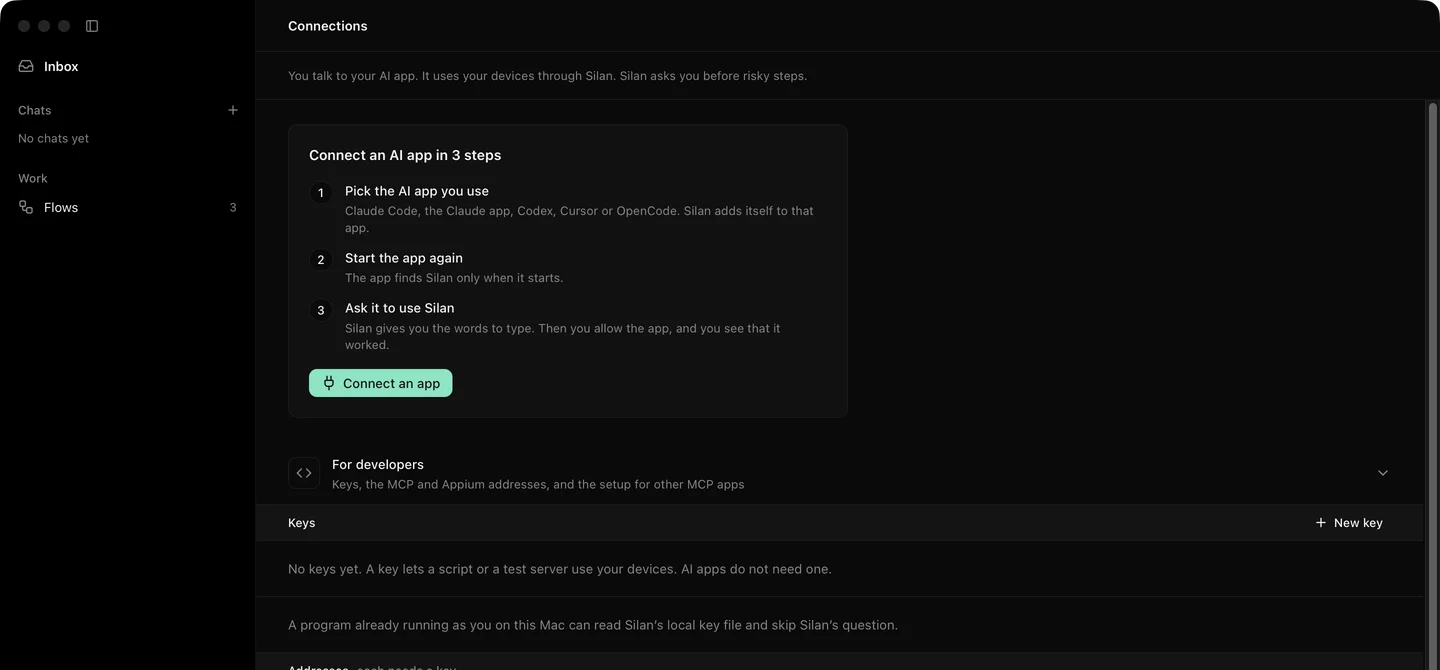
Make a key on Connections, under For developers, with New key. Send it on every other call as
Authorization: Bearer silan_sk_.... Without it a call answers401. -
Open a session.
POST /wd/hub/sessionwith W3C capabilities:{"capabilities": {"alwaysMatch": {"platformName": "iOS","appium:udid": "00008120-001A2B3C4D5E6F70","appium:automationName": "Silan","appium:bundleId": "com.example.megamart"}}}The device comes from
silan:deviceId,appium:udidorudid: Silan’s full id, or the part afterios:orandroid:. With no device named, the session takes the first free device ofplatformName. The session claims the device with a lease of one hour, andappium:bundleIdorappium:appPackageopens that app first. The answer carriessessionId,silan:deviceIdandsilan:leaseId. -
Find elements.
POST /wd/hub/session/{id}/element(or/elements) withusingandvalue:Strategy What it matches accessibility idThe element’s identifier, then its text idThe identifier name,link textThe text, exactly partial link textThe text, containing the value class nameA role, from the class name Any other strategy answers
invalid selector. The find waits up to the session’s implicit wait. -
Act. On an element: click, send keys, clear, and read its text, attributes, rect, displayed, enabled, selected and tag name. On the session: screenshot, page source, window rect, W3C actions with touch pointers and keys, url, back, orientation, and
mobile:scripts through execute:pressButton,launchApp,terminateApp,swipeorscroll,deepLink,getClipboardandsetClipboard. -
End the session.
DELETE /wd/hub/session/{id}releases the lease.
Try it
Section titled “Try it”From a shell, open a session, take a screenshot and end it:
KEY=silan_sk_...B=http://127.0.0.1:47800/wd/hubcurl -s "$B/status"curl -s -H "Authorization: Bearer $KEY" -H 'Content-Type: application/json' \ -d '{"capabilities":{"alwaysMatch":{"platformName":"iOS","appium:udid":"00008120-001A2B3C4D5E6F70","appium:automationName":"Silan"}}}' \ "$B/session"curl -s -H "Authorization: Bearer $KEY" "$B/session/$SESSION/screenshot"curl -s -X DELETE -H "Authorization: Bearer $KEY" "$B/session/$SESSION"The status answers "ready": true. The session answers a sessionId and "silan:deviceId": "ios:...". The screenshot answers a base64 PNG under value. The delete answers 200.
Limits
Section titled “Limits”- Not a full Appium server. Commands outside the list above answer
unknown commandorunsupported operation. - A risky step answers
500with the messageAPPROVAL_REQUIRED: the person must approve this action in Silan. Say yes in Silan, then send the same command again. - Element commands need the element list: a phone on the Developer way, a simulator or an emulator. On a phone without Silan’s helper, and on the Simple way, they answer
500 unsupported operation(CAPABILITY_UNSUPPORTED). Launch, screenshots and the session itself still work. - A device that another lease holds answers
session not createdwithDEVICE_LEASED. A person’s own step holds a device for 30 seconds after it. - A session is tied to the key that made it. Revoking the key ends it.
- Error codes come back in WebDriver’s words:
no such elementforTARGET_NOT_FOUND,stale element referenceforSTALE_ELEMENT,timeoutfor a wait that ran out.