Features
API: REST, MCP and WebDriver
Silan’s engine listens on this Mac only, at 127.0.0.1 and ::1, and offers three surfaces that share one set of keys and one approval flow. REST at http://127.0.0.1:47800/v1 is for scripts and pipelines. MCP at /mcp, or silan mcp over stdio, is for AI apps. WebDriver at /wd/hub is an Appium-style WebDriver endpoint for test tools that already speak that protocol, not a full Appium server. Every tool and route is listed under MCP reference and REST reference.
What it does
Section titled “What it does”Keys. Every call carries Authorization: Bearer silan_sk_.... No key, a wrong key or a revoked key gets 401. A call with a web page’s Origin header or from another host gets 403. GET /wd/hub/status needs no key. The port and the Mac’s own local key sit in engine.json in Silan’s support folder, and the silan command reads them from there. A key’s actions show in Activity as an agent named Local key (this Mac).
Profiles. silan mcp --profile core serves 16 tools for using devices: list, claim and release, observe, tap, long press, swipe, type, keys, buttons, launch, open a link, wait, ask the person to sign in, fill a credential. testing adds 11 more for test work, 27 in all: recordings, checks, notifications, a test push, install, location, clipboard, rotate and text size. full serves every tool the current release has, 45. The five flow tools in the spec (validate_scenario, run_scenario, list_runs, get_run, get_report) are not served on the current release: the engine answers that the scenario engine is not available, so run flows from the app for now. The counts come from the server’s own tool list on 4 Nov 2026.
Approvals. When a call would pay, send, post or delete, REST answers 202 with the approval in the body, MCP answers APPROVAL_REQUIRED, and WebDriver answers 500. Poll the approval, then repeat the call. See safety and approvals.
Errors. Every error is RFC 9457 application/problem+json with a stable code such as DEVICE_LEASED or STALE_ELEMENT, and delivery says whether anything reached the phone.
| Header or field | What it does |
|---|---|
Prefer: respond-async |
The call returns 202 with a job. Poll the job for the result. |
409 DEVICE_LEASED |
Another caller holds the device. The Silan-Lease header names the lease. |
delivery |
notSent, maybeSent, sent or checked on every action. |
Recordings. start_recording and stop_recording make an mp4 of the device’s screen with secrets masked. A recording stops on its own at its maximum length, when the device is released, when the session ends or when the engine stops.
Step by step
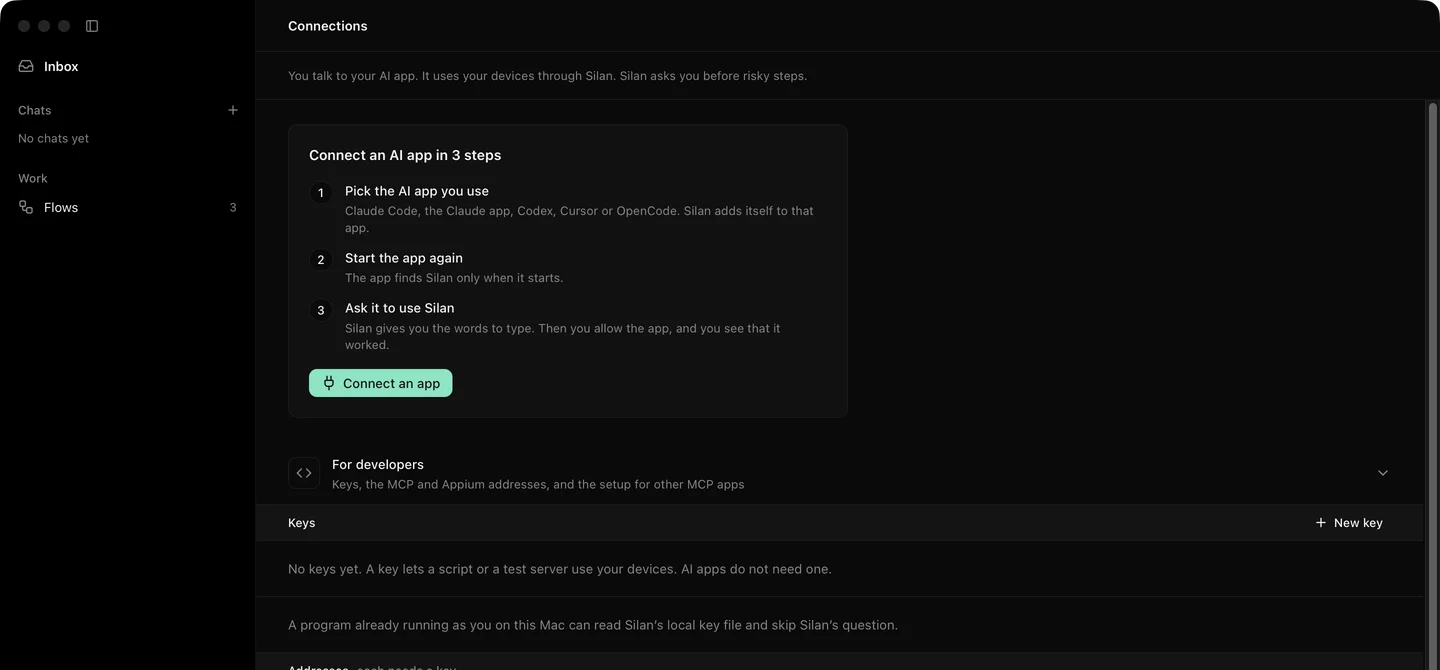
Section titled “Step by step”- Open Connections › For developers and make a key. See connections.
- List your devices:
curl -H "Authorization: Bearer silan_sk_..." http://127.0.0.1:47800/v1/devices- Launch an app and read the picture:
curl -X POST -H "Authorization: Bearer silan_sk_..." -H "Content-Type: application/json" \ -d '{"action":{"type":"launchApp","app":"Settings"}}' \ http://127.0.0.1:47800/v1/devices/ios:XXXX/actionscurl -H "Authorization: Bearer silan_sk_..." http://127.0.0.1:47800/v1/devices/ios:XXXX/screenshot -o screen.png- For an AI app, point it at
silan mcp --profile coreover stdio, or athttp://127.0.0.1:47800/mcpwith the key. See use Silan from your agent. - For a WebDriver client, open a session at
/wd/hub/sessionwithsilan:deviceIdin the capabilities.
The command line covers the same ground for a shell, see command line.
Limits
Section titled “Limits”- The engine answers on this Mac only. Remote access is coming soon.
- The Python library in the repository is not published yet. Coming soon.
- Stop Everything, Resume, safety settings, removing a phone and other person-only calls answer
FORBIDDENto every key. - WebDriver supports the actions Silan has. It is not a full Appium server.